My Current AI Tools and Workflow
Published on December 2, 2025
It seems like every week, there is a new release in the world of AI that “completely changes everything.” It’s difficult, nearly impossible, not only to keep up but to discern signal from noise and legitimate breakthroughs from hype.
It feels like “drinking from Niagara Falls!”

But here’s what I’ve learned over the past three years of using AI daily in my workflow: most of us are using these tools with the same mindset we had in the “pre ai era.” These tools have completely changed the game and therefore our workflows and how we write software with them needs to change too.
The Problem With Linear Development
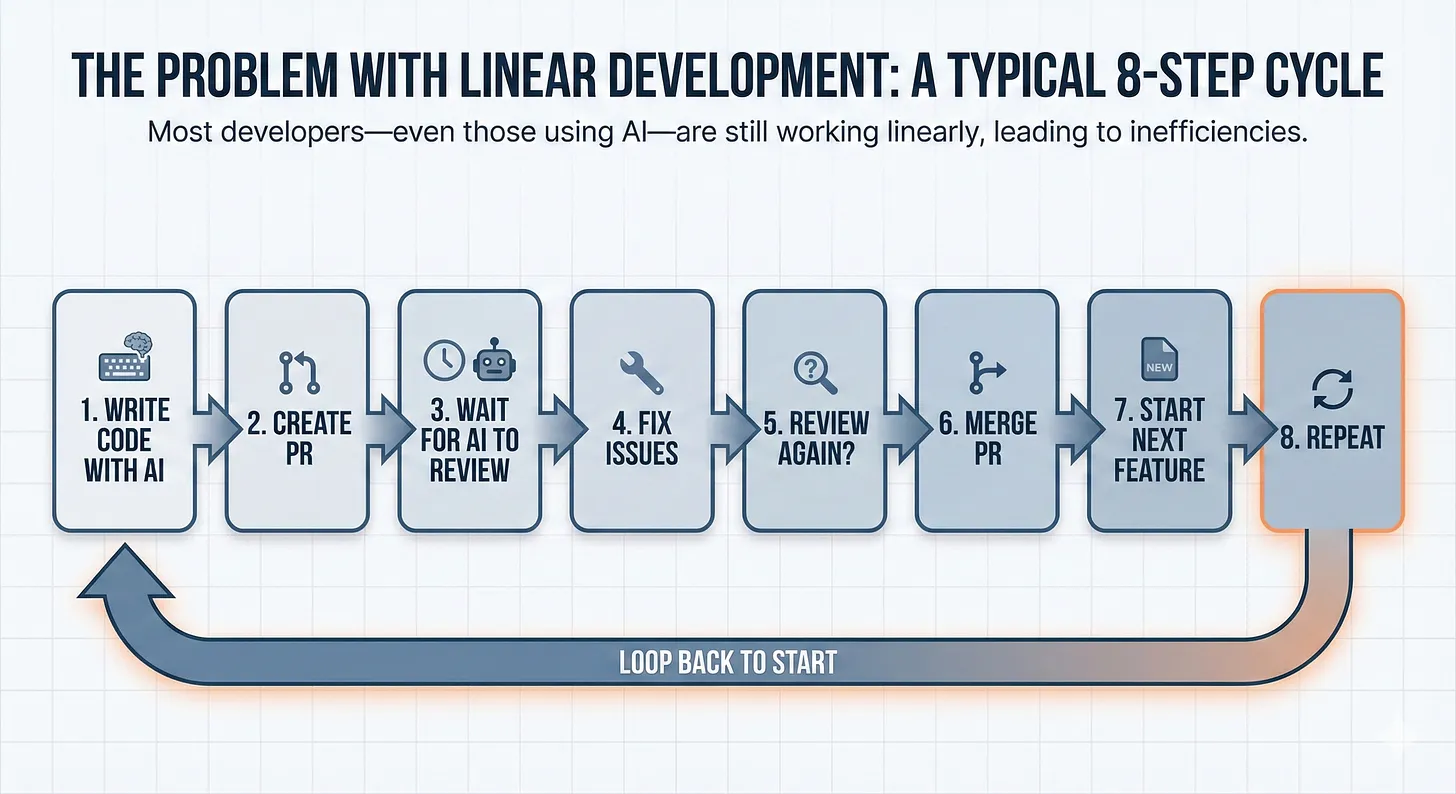
Most developers, even those using AI, are still working linearly:
- Write code with AI
- Create a PR
- Wait for AI to review
- Fix issues
- Review again?
- Merge PR
- Start next feature
- Repeat
See the bottleneck? You’re sitting idle while waiting for review. You’re treating code review as a gate instead of a parallel process.
I used to work this way too. Then I realized something that changed everything.
The “Fresh Eyes” Principle
Here’s the insight: different AI tools catch different problems.
Claude Code is exceptional at generating working code (especially when using Opus 4.5 😎). But it has blind spots—every AI does. It might miss a race condition. It might not catch an edge case. It might implement something that works but isn’t optimal or it doesn’t use the patterns already established in your code base, etc.
So I stopped relying on a single AI to both write and validate my code. Instead, I built an “assembly line” with multiple AI quality gates, each providing a “fresh set of eyes” on the work.
My mindset has shifted to thinking more like how a factory assembles a product.
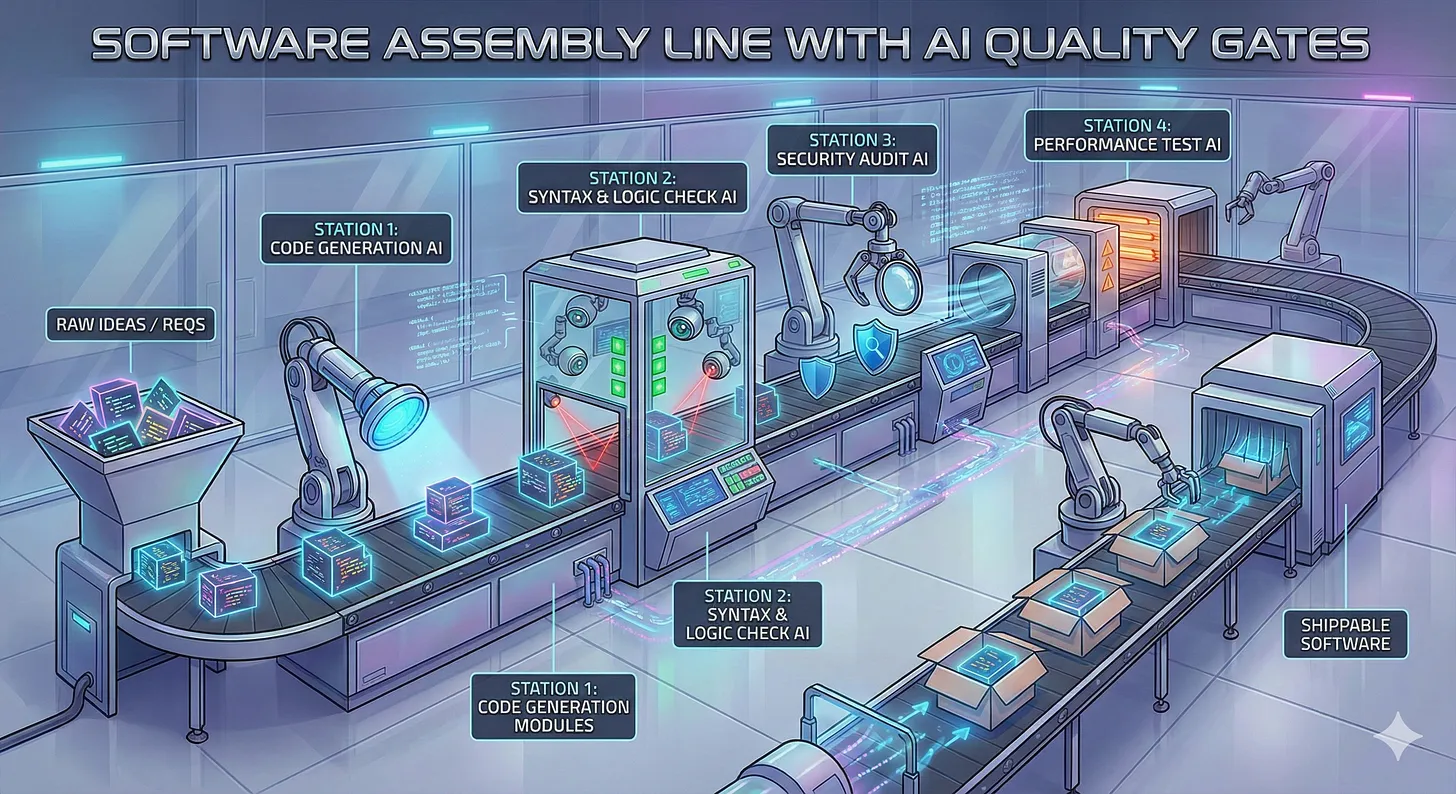
The result? Production-grade code that I’m confident shipping. An “assembly line” that catches bugs before they hit production and a workflow that lets me build features in parallel instead of waiting around.
Let me show you exactly how it works.
Just as an aside know that my workflow and process is always in flux and I am constantly experimenting but this is what I have be doing for the last couple of months or so consistently with great results.
As my process changes I will share it with you.
The Pipeline
Here’s my complete workflow, from idea to shipped feature:
Phase 1: Ideation
I start every project in Claude Desktop or Gemini Web not my IDE (Cursor). This is pure brainstorming. What am I building? Why? What are the core features?
I use AI to help me get clarity on what is in my head. I ask it to challenge my assumptions, point out blind spots, ask for it’s own suggestions and thoughts, what am I missing, etc.
Let me know if you think it would be useful and valuable for me to write a letter that documents a typical brainstorming session.
Once I’ve talked through the idea with the AI, I have it export everything into a single markdown document.
This becomes my source of truth.
Phase 2: Planning (Scales With Complexity)
This is where project size matters.
For small projects: I skip heavy planning (creating lots of specs, documents, etc.) and go straight to implementation with Claude Code. However, I always use “planning mode” in Claude Code for every feature I build.
For larger projects: I use the BMAD Method. It’s a framework specifically designed for AI-driven development. It walks you through creating:
- A project brief (the “why”)
- A PRD (product requirements document)
- An architecture document
- Epics and stories
The BMAD Method has 19+ specialized AI agents and 50+ workflows. It might sound like overkill, but here’s the thing: proper planning with AI takes minutes, not days and the results are night and day. There is a reason this whole “spec driven development” concept is taking off and why we are hearing more about “context engineering” vs “prompt engineering.”
There is signal here and you should be paying attention if your not already.
For my SocialPost app, I used the full BMAD workflow. The planning phase took about an hour. The implementation was dramatically faster because of it… I built it in 12 hours over two days 🚀.
Phase 3: Implementation
This is where Claude Code shines.
I run it inside Warp, an AI-native terminal that makes the whole experience like 🧈. Claude Code handles the heavy lifting.
But here’s the key: I don’t try to build everything in one shot. I work in tasks or stories. Each one is a focused piece of functionality that gets its own branch and PR.
Phase 4: Quality Gate #1 (Automated Review)
When I create a PR, CodeRabbit automatically reviews it.
This is the first “fresh eyes” on my code. CodeRabbit catches things Claude Code missed:
- Race conditions
- Edge cases
- Security issues
- Performance problems
- Code style inconsistencies
It’s not perfect, no tool is, but it consistently finds multiple issues per PR that would have shipped to production otherwise.
That’s huge!
You can see exactly what this looks like in my closed SocialPost PRs. Every closed PR has CodeRabbit’s review comments. Go check them out.
Phase 5: Parallel Development (This Is The Unlock)
Here’s where most developers waste time: they wait for the review, then fix the issues, then review again or start the next feature.
I don’t wait.
While CodeRabbit is reviewing PR #1, I create a new branch and start working on the next feature with Claude Code. I’m now working in parallel.
When CodeRabbit finishes, I use Conductor to spin up a separate Claude Code agent in an isolated git worktree. This agent’s job is to fix all the CodeRabbit issues while I continue building the next feature.
So now I have:
- Job A: Claude Code fixing CodeRabbit issues in PR #1 in a separate git worktree using Conductor
- Job B: Claude Code building the next feature, story, task, etc., this will eventually become PR #2
Both running in parallel. Both making progress. No waiting.
When the fixes are done:
I merge PR #1 and keep working on the next feature (this will become PR #2).
When PR #2 is ready, CodeRabbit begins reviewing it.
While CodeRabbit is reviewing, I create a new branch and start working on the next feature or story (this will become PR #3)
When CodeRabbit is finished, I spin up another git worktree in Conductor, fix the issues Code Rabbit found in PR #2
Merge PR #2 and continue working on the next feature (i.e. PR #3)
Rinse and repeat…
Phase 6: Quality Gate #2 (Post-Epic Review)
After I finish an epic, or multiple features, I run additional quality checks using Claude Code plugins from the wshobson agents repo:
/plugin install code-documentation— generates comprehensive docs/plugin install unit-testing— creates test coverage/plugin install comprehensive-review— deep architectural review
These plugins provide yet another “fresh perspective” on the code. They often catch higher-level issues: architectural inconsistencies, missing documentation, gaps in test coverage.
Phase 7: Testing
I aim for 85%+ code coverage as a minimum. My focus:
- Unit tests: Fast, isolated, catch most issues. These are the backbone.
- End-to-end tests: Verify the full user flow works.
- Integration tests: I use these sparingly. Mocking is tricky and they’re slower.
For browser testing, I use MCP servers like Playwright and Chrome DevTools that give Claude Code direct access to the browser.
The Complete Toolkit
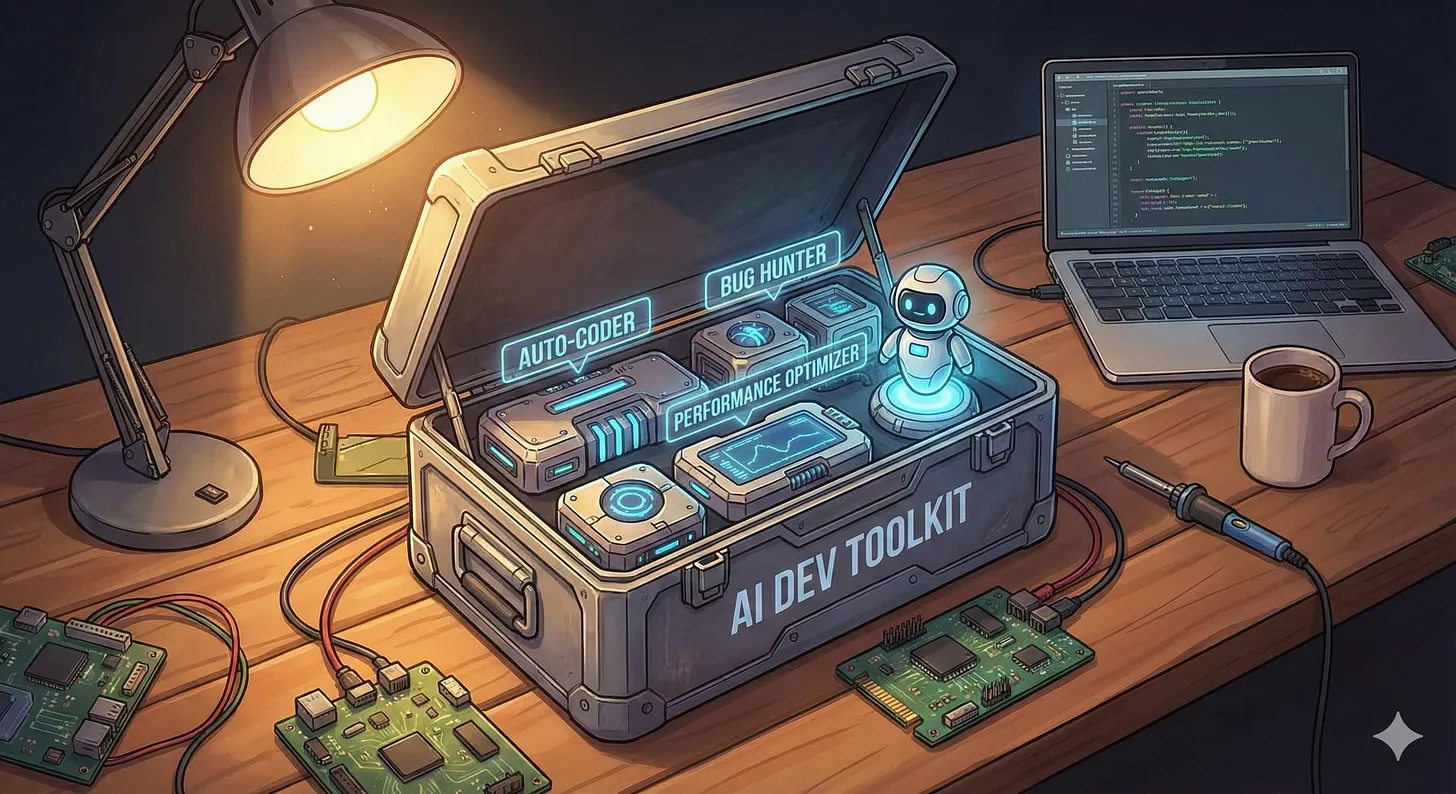
Here’s every tool in my toolkit:
Core Development:
- Claude Code — Primary AI coding agent
- Warp — AI-native terminal
- Conductor — Parallel Claude Code agents in isolated git worktrees
Quality Gates:
- CodeRabbit — Automated AI code review on PRs
- Claude Code Plugins — Documentation, testing, comprehensive review
Planning:
- BMAD Method — AI powered “agile spec driven development” framework
Models:
- Claude 4.5 Opus or Claude 4.5 Sonnet — My go-to for most development work
- Gemini 3 — Solid alternative, especially for UI, design, and anything frontend.
MCP Servers:
- Playwright — Browser automation and testing
- Chrome DevTools — Browser debugging
- Convex — Database operations
- shadcn — UI component generation
See It In Action: SocialPost
I built SocialPost using exactly this workflow. It’s a social media scheduling app with:
- OAuth integration for Twitter and LinkedIn
- Template system for reusable content
- Smart retry logic with exponential backoff
- AES-256-GCM encryption for OAuth tokens
- Full analytics dashboard
Built in 12 hours over two days.
But don’t take my word for it. Go look at the closed PRs. You can see:
- How I structured the work into stories
- What CodeRabbit caught on each PR
- How issues were addressed before merging
That’s the power of working in public. You can verify everything I’m telling you.
Why This Works
The magic isn’t in any single tool. It’s in the system, the “assembly line”:
- Multiple perspectives catch more bugs. Claude Code writes the code. CodeRabbit reviews it. Plugins audit it. Each has different blind spots.
- Parallel work eliminates waiting. Conductor lets me run multiple agents simultaneously. I’m never idle.
- Planning scales appropriately. Small fixes don’t need architecture docs. Big projects do. BMAD adapts.
- Testing provides confidence. 85%+ coverage means I can refactor without fear.
The result is production-grade code, shipped fast, with fewer bugs than most teams of human developers.
Cheers,
Robert
P.S. — I’m currently building Arvo, a CLI for scaffolding production-ready Python backends. Watch the PRs to see the process unfold in real-time.
P.S.S. - Arvo is named after my favorite composer Arvo Part. Guy is an absolute legend! Highly recommend you check out his music.